Product
Real AI labs, zero installs: why EdSutra runs entirely in your browser
By Dr. Sai Gattupalli · · 1 min read
Computer vision with your webcam, neural networks you can train, on-device models: all of it runs locally and offline, with nothing to set up.
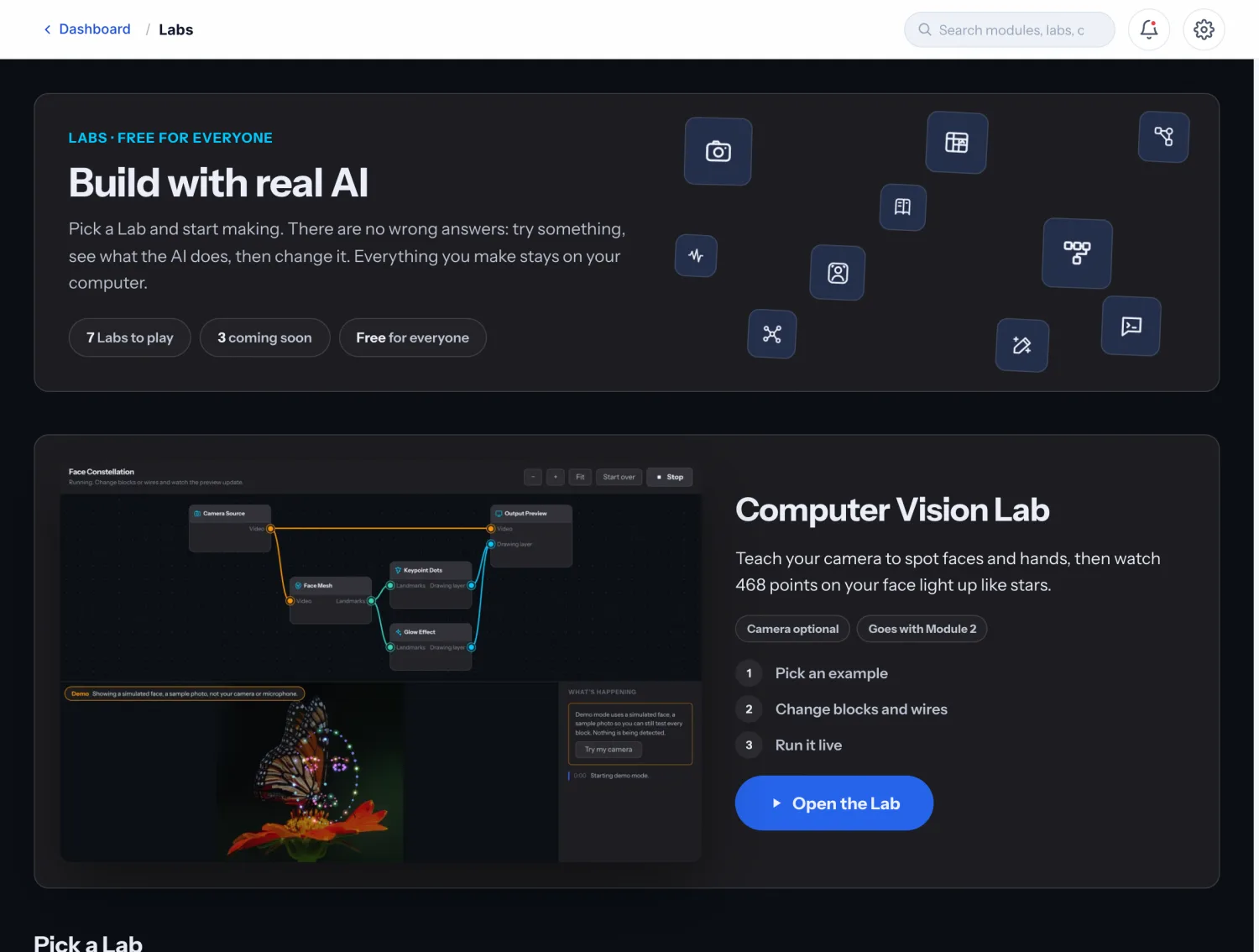
Ask a teacher what killed their last coding unit and you'll usually hear the same story: forty minutes of installation problems, then the bell. EdSutra's answer is architectural — the entire studio, including its machine-learning labs, runs in the browser tab. No Python, no drivers, no accounts, no IT ticket.
What actually runs locally
- Live computer-vision labs that use the webcam with on-device models — hand tracking, face landmarks, edge detection — where the video never leaves the machine.
- A trainable neural network whose forward pass and gradient updates run in real time as learners drag sliders.
- Physics-and-graphics simulations (Three.js) that make abstract ideas — signal flow, sorting, search — spatial and touchable.
- The complete curriculum, cached for offline use after the first visit.
Why local-first matters for kids
Browser-local AI isn't just convenient — it's the privacy story parents and schools should demand. A webcam lab that processes frames on-device can honestly say: nothing is uploaded, because there is nowhere to upload it. EdSutra has no learner accounts by design, and progress is saved on the learner's own computer.
It's also the equity story. A studio that works offline on modest hardware serves the school with patchy Wi-Fi as well as the one with a device cart per classroom. AI literacy for everyone can't depend on everyone having a GPU and a stable connection.
The bet
Modern browsers are extraordinary machines — WebGL, WebGPU, WebAssembly, on-device inference. Our bet is that the best way to teach how AI works is to hand learners real AI, running where they can poke it. The browser finally makes that possible for everyone.
More from the EdSutra blog
- EdSutra Studio is now open to everyone Product · October 28, 2026
EdSutra Studio's public release: a simulation-based AI literacy curriculum for ages 11 and up. Module 1 is free; the full studio is one purchase. - Why EdSutra's learning companion is a cat: the research behind Ada Learning Science · October 28, 2026
What four decades of research on learning companions suggest, and why EdSutra's companion is a scripted pixel cat rather than a chatbot. - Ada Lovelace and the first question of AI literacy History · October 28, 2026
In 1843 Ada Lovelace asked whether a machine can originate anything. Why her question is where AI literacy begins, and why our companion bears her name. - Introducing EdSutra Studio: a hands-on AI literacy studio in your browser Product · July 10, 2026
Interactive simulations, live labs, and a game-like curriculum that teaches how AI actually works — no installs, no accounts, one purchase. - UNESCO says every student needs AI competency. Here's what that actually asks of us Learning Science · July 6, 2026
A plain-language read of UNESCO's AI Competency Framework for Students: its four dimensions, three levels, and what they ask of curriculum builders. - Why most AI curricula fail the students they were written for Learning Science · June 28, 2026
Vocabulary lists, dated screenshots, and no machinery to touch: the three failure modes of first-generation AI literacy, and what to build instead. - Buy once, own forever: why EdSutra will never be a subscription Product · June 14, 2026
One payment for the core studio, optional expansions for applied tracks, and a promise: nothing you bought ever stops working. - Teach the history: why AI's past is the most useful lesson in the curriculum Curriculum · June 8, 2026
AI has boomed and crashed before. Students who know that history read today's headlines differently, so Module 1 opens with a map of where AI came from.